Effective Prompts for AI Anime Generator: A Beginner's Guide
Learn how to write clear and detailed prompts for AI anime generators to create stunning artwork. Perfect for beginners looking to master prompt writing skills. 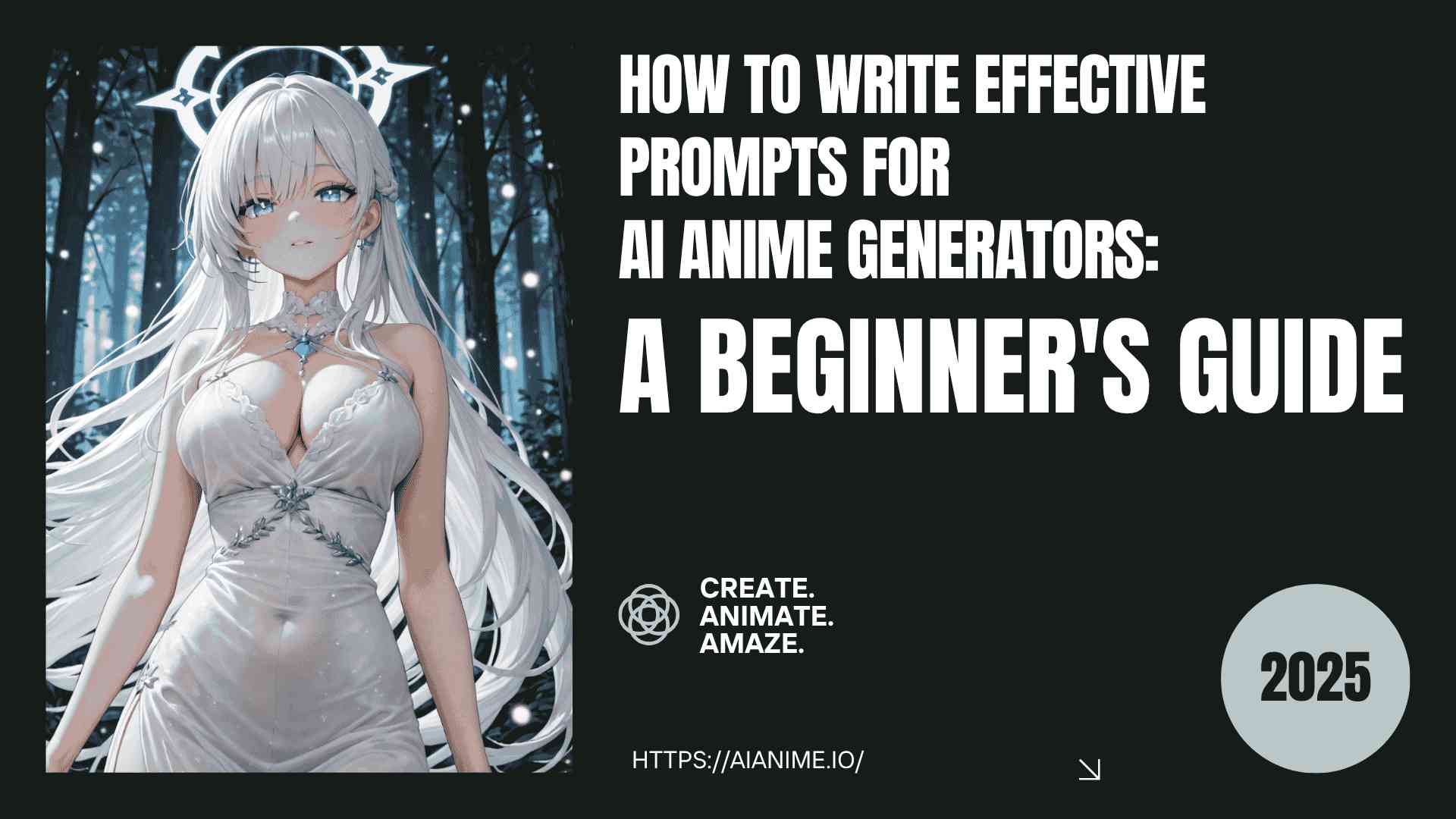 Imagine being able to bring your favorite anime characters or original creations to life with just a few clicks. Sounds exciting, right? But here's the thing — getting the result you want isn't always as simple as typing in a sentence. Crafting the perfect prompt for an AI anime generator can be tricky, especially if you're new to it. It's like trying to direct an artist who can only understand the most specific instructions. The good news? Once you learn how to write clear and detailed prompts, you can unlock amazing, personalized artwork. In this guide, I’ll show you how to master the art of writing prompts for AI anime generator, making the process easier and more fun.
Why the Right Prompt Matters
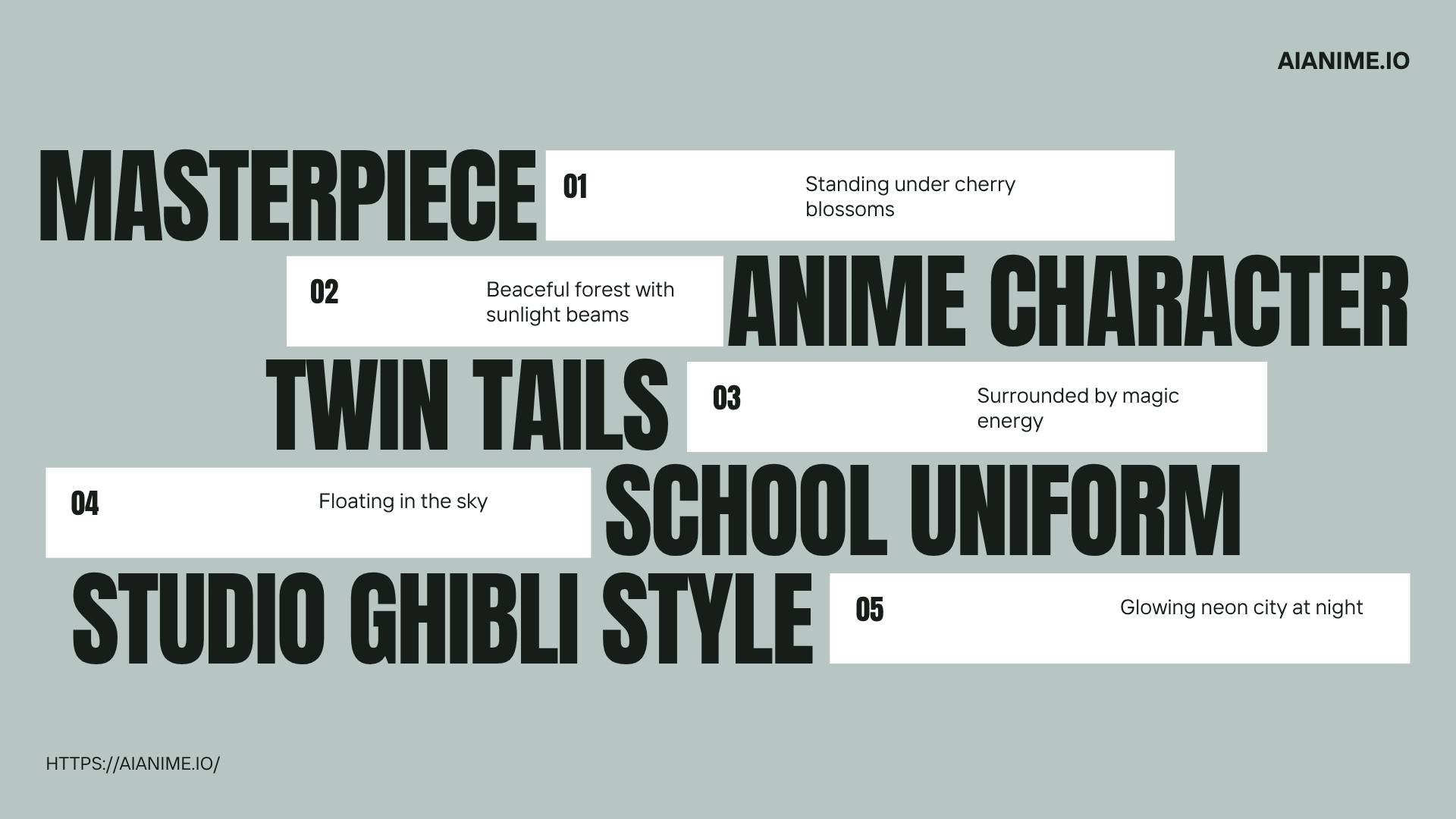 At its core, an AI anime generator works by interpreting the text you input (the “prompt”) and turning it into a visual representation. The more specific and detailed your prompt is, the more likely it is that the AI anime generator will generate an image that matches your vision. On the other hand, vague or unclear prompts can lead to frustrating results that are far from what you had in mind.
Whether you're a beginner looking to create character designs, scenes, or illustrations, understanding how to craft effective prompts for an AI anime generator will make all the difference. Now, we’ll cover essential tips and strategies to help you master the art of prompt writing for AI anime generator.
1. Start with the Basics: Know What You Want
Before you start typing your prompt, it's important to have a clear idea of what you want the AI anime generator to create. Do you want a character, a landscape, or a dynamic action scene? The first step in writing an effective prompt for an AI anime generator is to visualize the outcome in your mind. Here are some basic questions to ask yourself:
- What type of character or scene do I want to create with the AI anime generator?
- What mood or emotion should the image convey?
- Are there specific elements or features I want to include (e.g., color schemes, background, clothing)?
Example:
If you're trying to create a character design, your prompt might start like this:"Generate an anime boy with short spiky hair, dressed in a leather jacket, leaning against a motorcycle in an urban alleyway."
This initial prompt gives the AI anime generator a clear starting point for generating the character and scene. However, adding more details will improve the results. 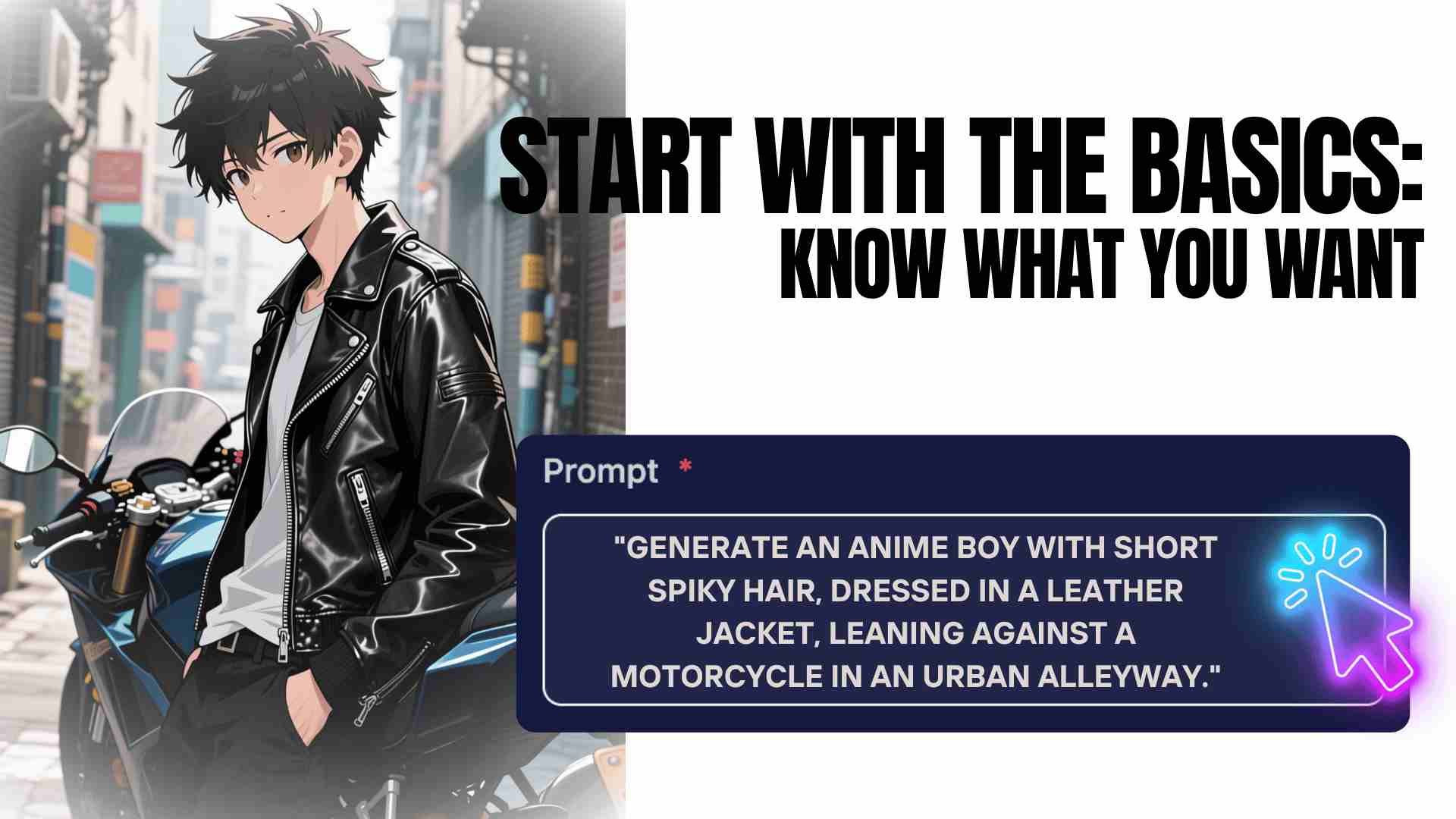
2. Be Specific: The More Details, the Better
The key to writing a good prompt for an AI anime generator lies in being as specific as possible. Instead of simply saying "anime character," add details about the character’s appearance, personality, and background. The more information you provide, the closer the AI anime generator will get to what you envision.
Here are some elements to consider when writing a detailed prompt for an AI anime generator:
- Character features: hair color, eye color, skin tone, clothing, facial expression, etc.
- Environment: indoors, outdoors, type of setting (e.g., futuristic city, fantasy forest).
- Mood and tone: happy, sad, dramatic, calm.
- Style: traditional anime, modern, chibi, or a specific anime artist's style.
Example:
"Generate an anime girl with bright blue hair, wearing a sleek black leather jacket, standing in front of a neon-lit futuristic city at night. The character should have a determined expression, with glowing blue eyes. The art style should be reminiscent of cyberpunk anime."
This prompt is more detailed and will guide the AI anime generator to create a more accurate image based on your specifications. 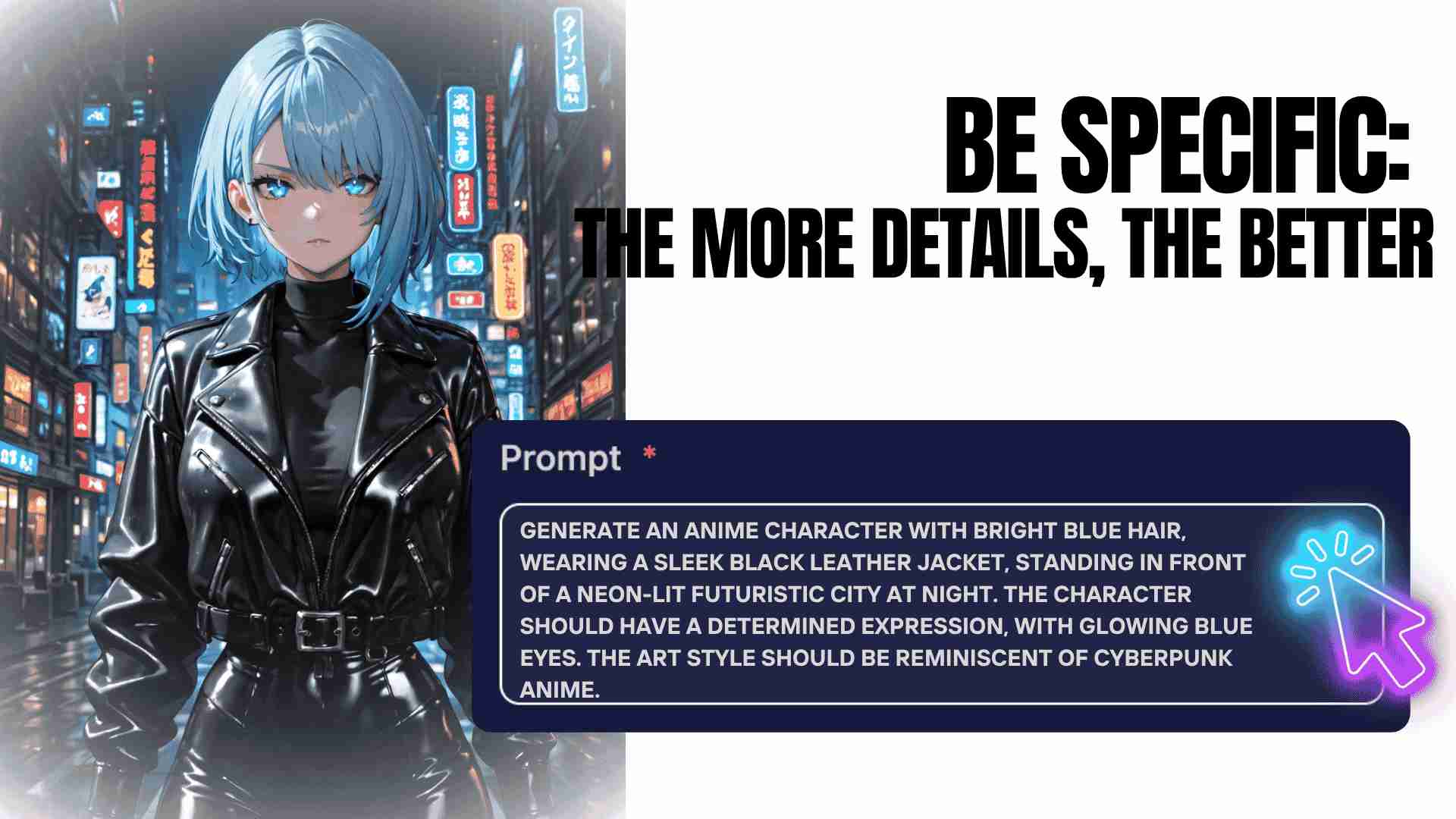
3. Use Descriptive Language: Paint a Picture with Words
The key to effective prompt writing for an AI anime generator is using rich, descriptive language that helps the AI visualize the scene. When describing characters, settings, or actions, think of how you would describe them to someone who has never seen them before.
Here are some tips for using descriptive language effectively with our AI anime generator:
- Adjectives: Use words that convey specifics about appearance (e.g., "glowing," "graceful," "battle-worn," "soft," "dark," etc.).
- Action words: Specify what the character is doing to add more dynamism to the image (e.g., "running," "holding a sword," "smiling," etc.).
- Setting details: Describe the environment as if you were painting it with words. Mention specific features, like “high-tech lab,” “old library,” or “sunset over a mountain range.”
Example:
"An anime girl with fiery red hair, wearing a torn white dress, standing in the middle of a desolate battlefield. Her eyes are filled with determination, and she holds a glowing sword in one hand. The sky above is dark and stormy, with flashes of lightning illuminating the scene."
This kind of description adds layers of meaning and detail, helping the AI anime generator create a more complex and visually rich image. 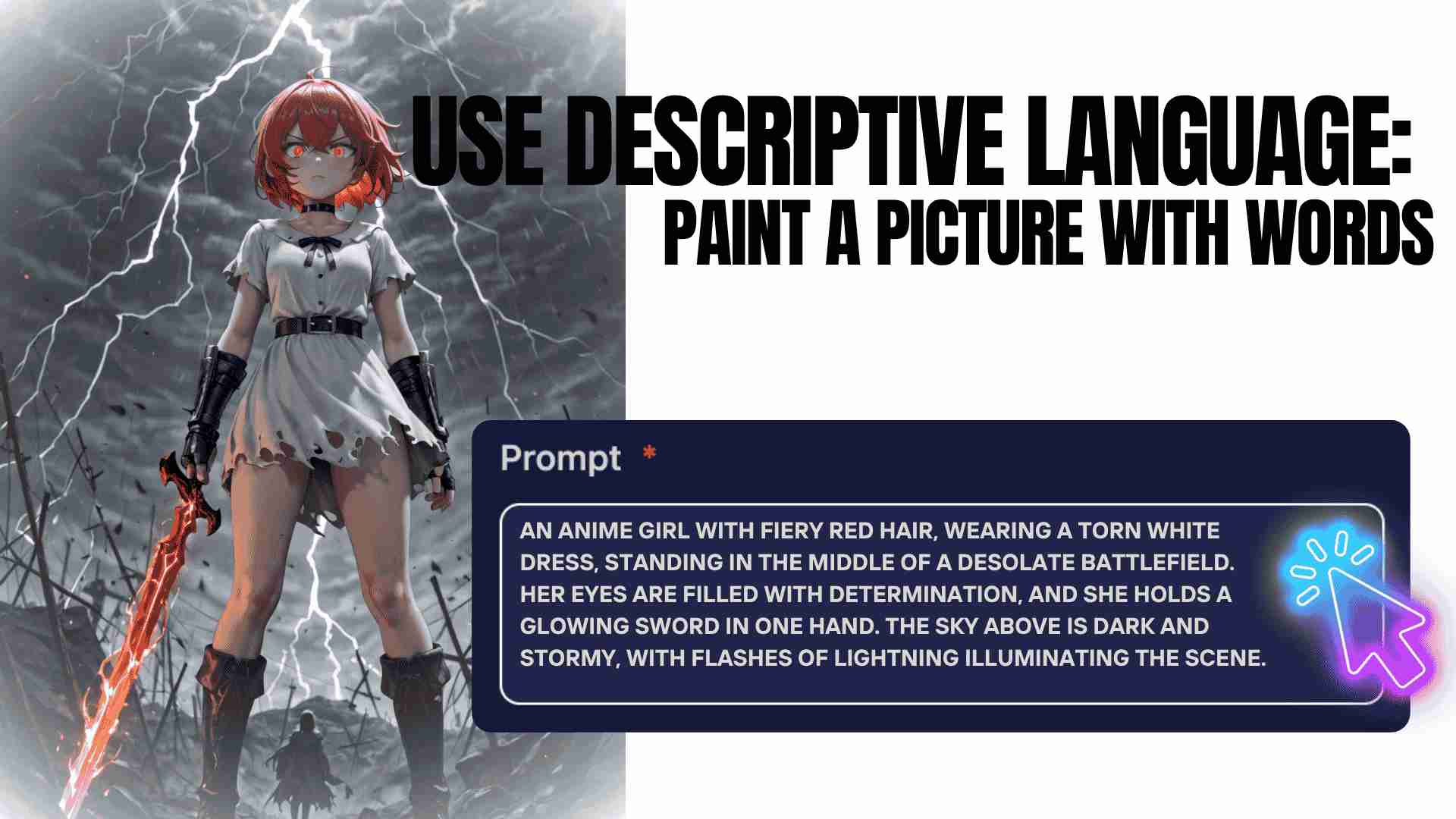
4. Avoid Ambiguity: Clarity is Key
One of the biggest challenges when writing prompts for an AI anime generator is avoiding ambiguity. If your prompt is too vague or unclear, the AI might struggle to understand what you're asking for, leading to less accurate results.
Here are some common issues to watch out for:
- Vague terms: Words like "cool," "good," or "nice" don't provide much detail. Instead, try to be more specific (e.g., "a sleek, futuristic motorcycle" rather than just "cool bike").
- Unclear references: Avoid using references that may be open to interpretation. If you mention a specific art style or artist, be sure to be clear about what elements of their work you want to incorporate.
- Over-complicated instructions: If your prompt is too long or convoluted, the AI anime generator may struggle to process it effectively. Keep it detailed but clear.
Example:
Instead of saying "Create an anime character with flowing blonde hair," you could write:
"Create an anime character with long flowing blonde hair, wearing a white and gold warrior outfit, standing in a serene meadow at dawn. The character should look graceful yet strong, with a calm and determined expression." 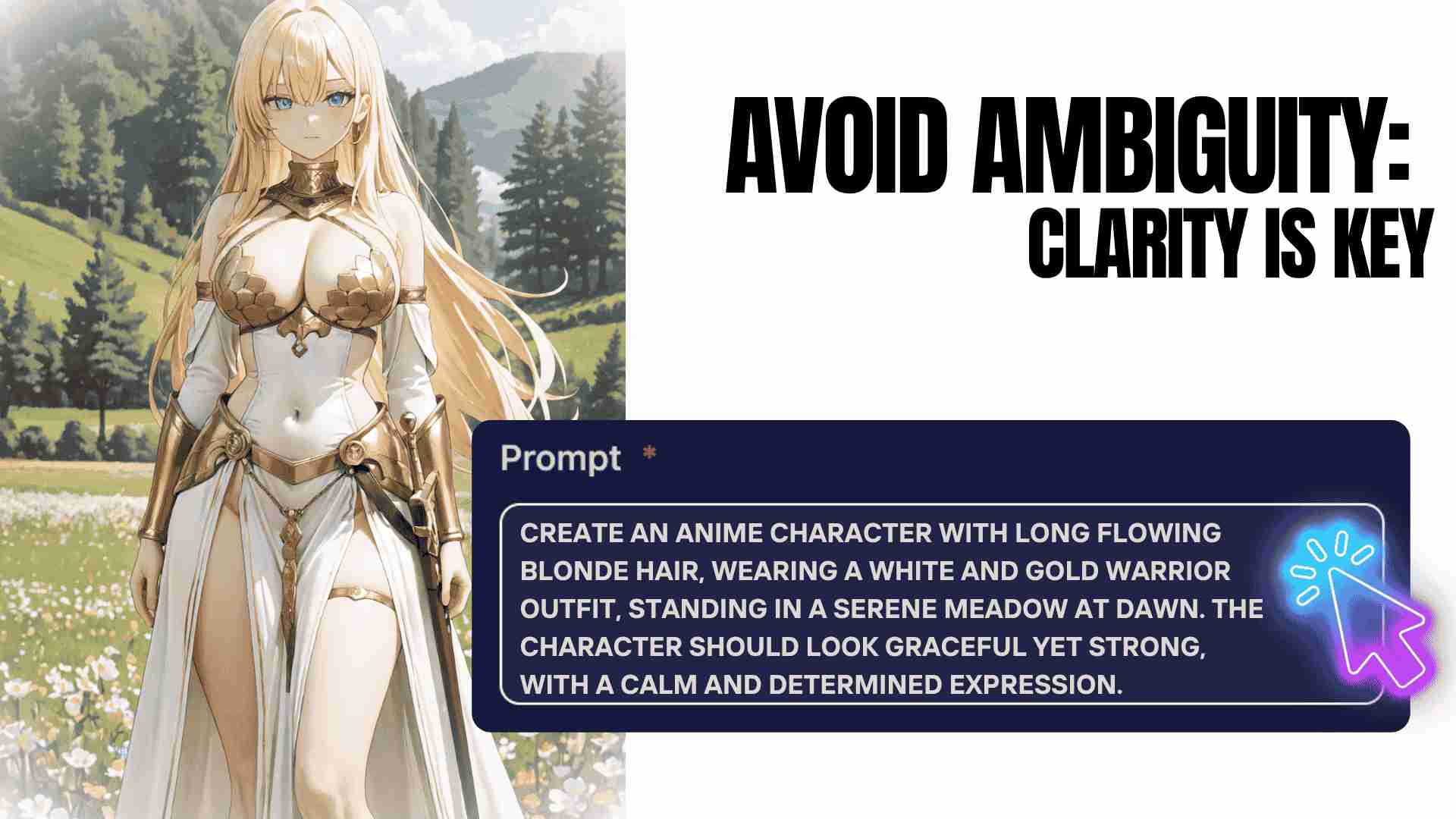
5. Iterate and Experiment: Don't Be Afraid to Tweak
Crafting the perfect prompt for an AI anime generator often requires experimentation. If the first result doesn’t quite match your vision, don’t be discouraged. Adjusting your prompt slightly can lead to better outcomes.
Here are some ways to tweak your prompt for better results with your AI anime generator:
- Change the level of detail: If your image is too simple or too complex, try adjusting the amount of description you include.
- Adjust the mood: If the tone of the image doesn’t match what you want, modify the adjectives describing the atmosphere or the character’s expression.
- Test different styles: If you're not happy with the style, try specifying a different one, like “manga style” or “realistic anime style.”
Example:
If you feel your original prompt looks a bit too plain, you might adjust it like this:
"Create a cheerful anime character with pink hair, wearing a cute pastel-colored dress, surrounded by floating flowers. The background should be a bright blue sky with soft clouds."
This iteration changes the character's mood and the overall feel of the image. 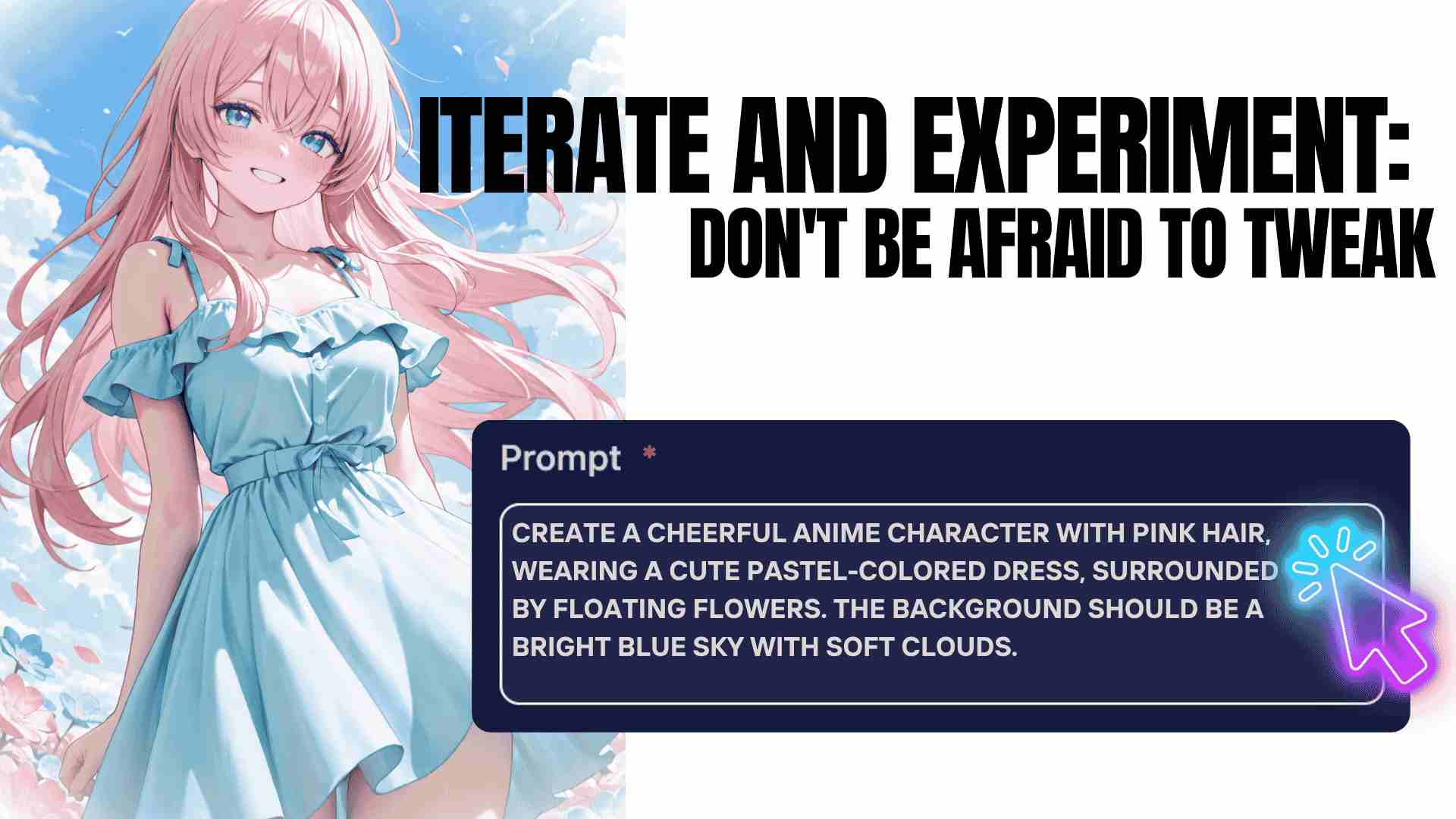
6. Use Negative Prompts: Avoid Unwanted Features
A powerful feature in many AI anime generators is the ability to use negative prompts. Negative prompts allow you to specify what you don’t want in the image, helping you fine-tune the results.
For example, if you want to create a serene scene but don't want any dark or creepy elements, you can add a negative prompt like:
“Exclude dark colors, sharp objects, and violent imagery.”
This helps the AI anime generator focus on your intended design and avoid unwanted features. 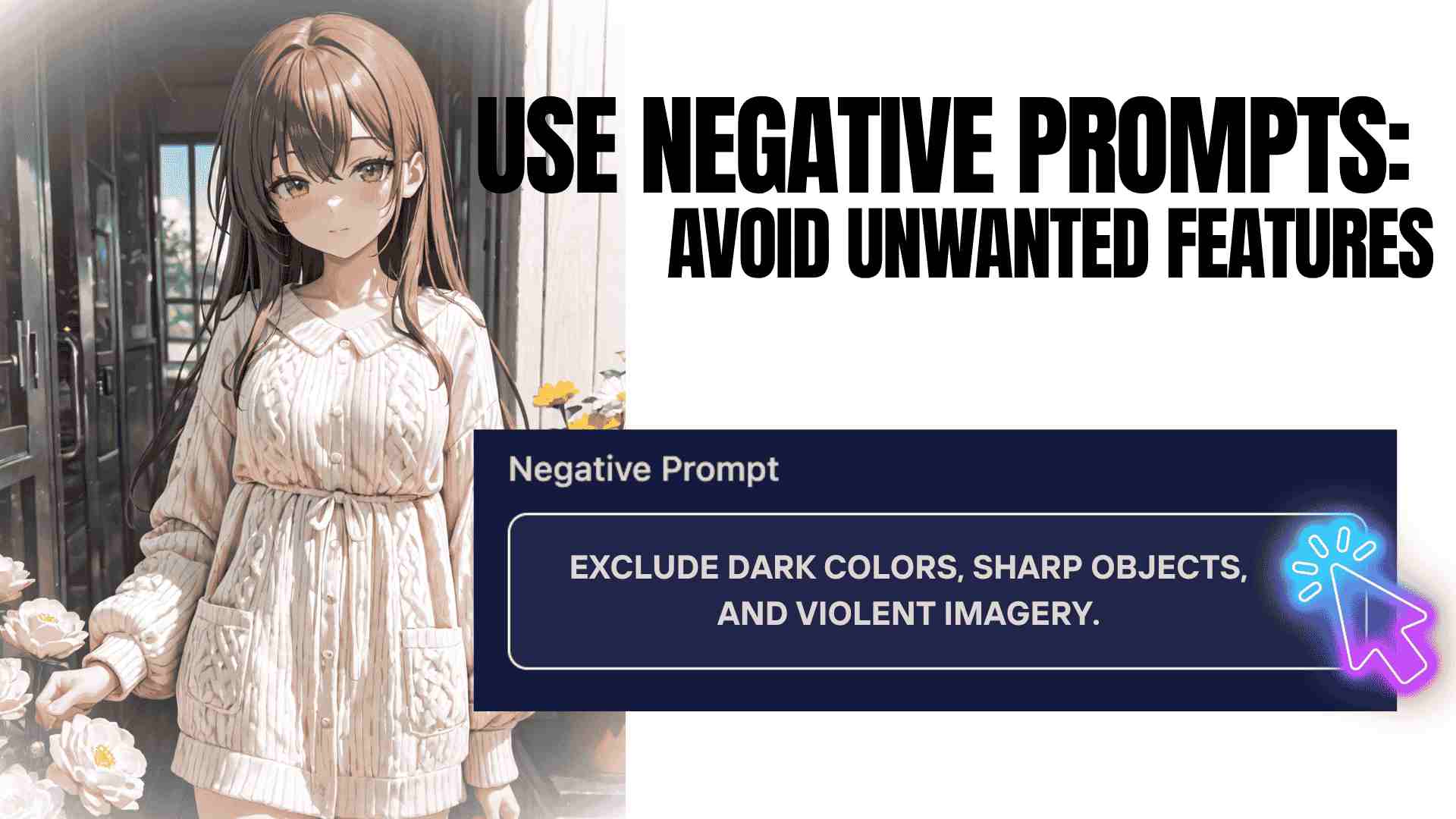
Final Thoughts: Mastering the Art of Prompt Writing for AI Anime Generators
Writing effective prompts for an AI anime generator is all about clarity, detail, and experimentation. By starting with a clear vision, being specific, using descriptive language, and avoiding ambiguity, you can significantly improve the results. And with a bit of practice, you’ll be able to generate incredible anime artwork that matches your creative ideas.
Remember, the more you experiment and refine your prompts, the better you'll get at crafting images that match your vision. So, take your time, have fun with the process, and let the AI anime generator help you bring your anime dreams to life!